 Mum and dad’s bank
Ask for an invitation
If someone you know already hosts a Banque de papa et maman, there is nothing to install: you only need an invitation code. Otherwise, install your own bank.
What you ask for, and what you don’t give
Just ask the host for “an invitation to the Banque de papa et maman”. They need nothing else: not your child’s name, not their age, not your e-mail. Even afterwards they can never read your bank, which is encrypted on your phone.
What you receive
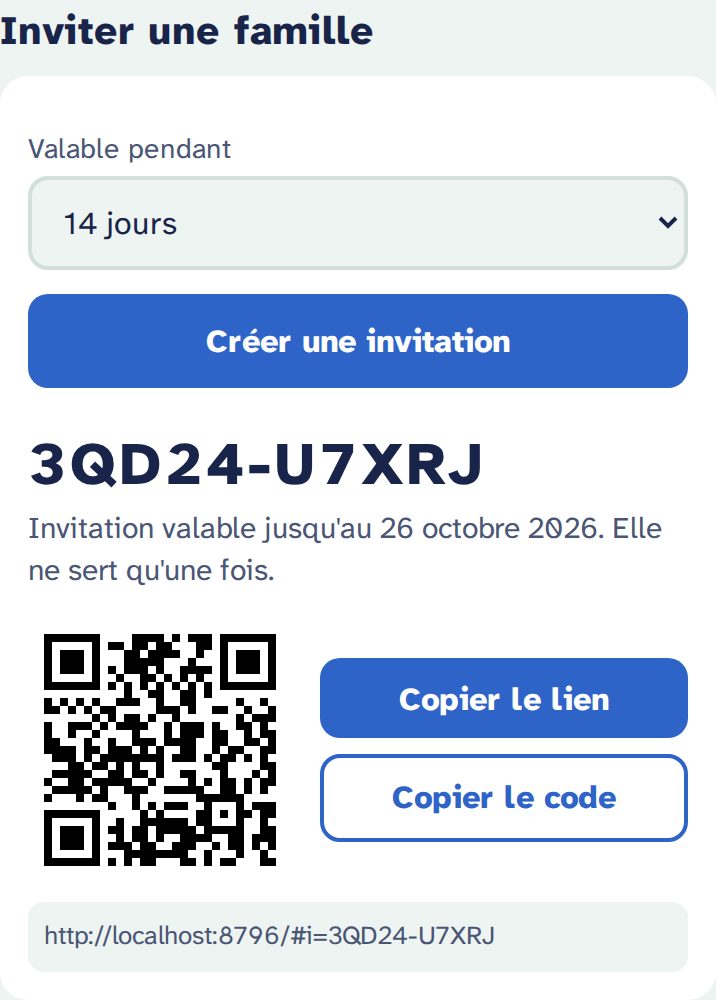
A link that looks like https://…/#i=ABCDE-23456, or just the code ABCDE-23456, sometimes as a QR code.
- An invitation works only once.
- It is valid for 7, 14 or 30 days (the host chooses).
- Capitals and the dash don’t matter:
abcde23456works too.
Using the invitation
- With the link: open it on your phone. The page « Crée la banque de ton enfant » (create your child’s bank) opens with the code already filled in.
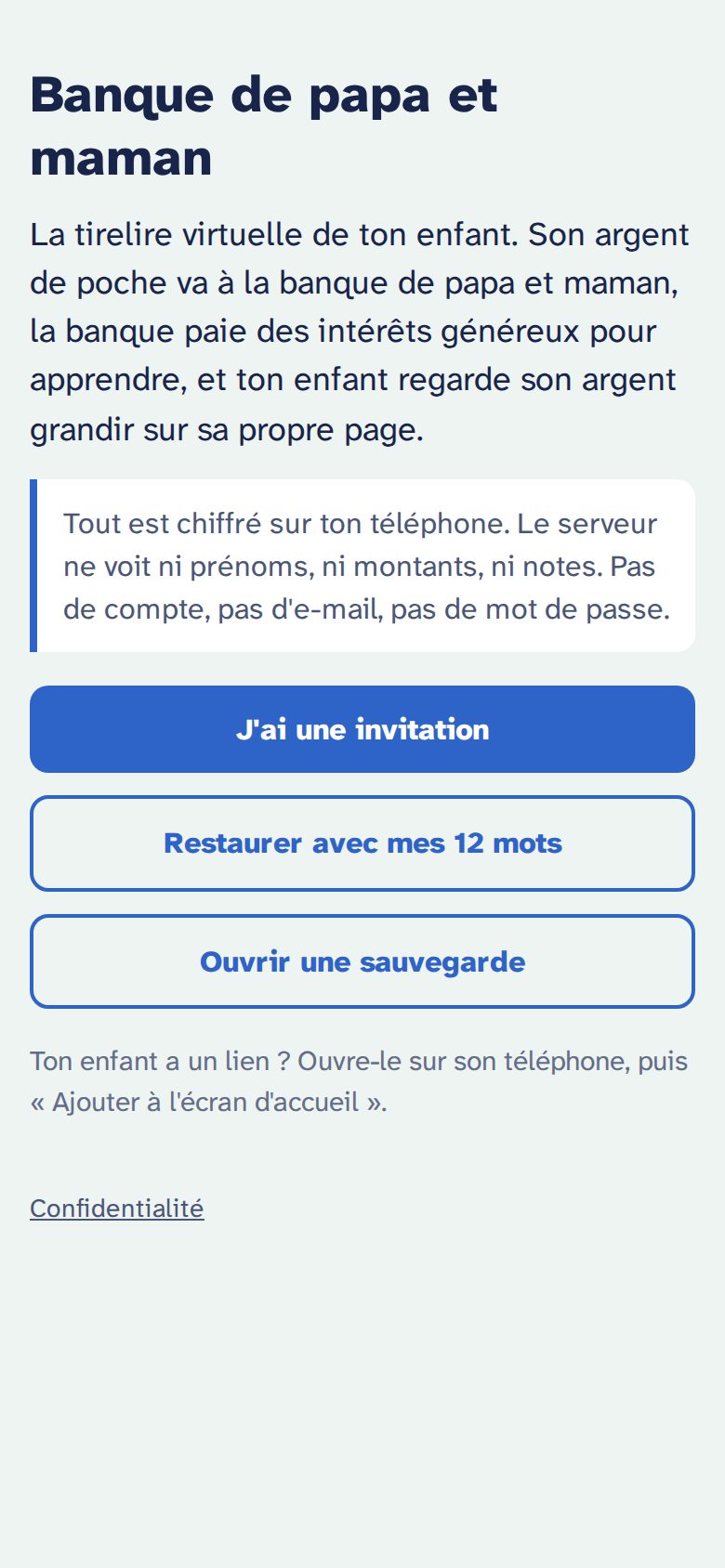
- With the code only: open the bank’s address, tap J'ai une invitation (I have an invitation), then type the code.
Then follow Create your child’s bank.
If it doesn’t work
| « Cette invitation n'est plus valable. Demande-en une nouvelle. » | “This invitation no longer works.” The code was already used, or it expired. Ask the host for a new one. |
|---|---|
| « Un code a 10 caractères… » | “A code has 10 characters.” One is missing or there is one too many. Codes never contain the letters I and O or the digits 0 and 1: it is probably a misread 1 or 0. |
If you are the host
- Open
https://your-bank…/admin. - Paste your admin password (
ADMIN_TOKEN). It stays in the page and is stored nowhere. - Choose how long it is valid, tap Créer une invitation (create an invitation), then send the link, the code or the QR code.
The admin page cannot read any bank. It only creates invitations, and creates your own bank with Créer ma banque (create my bank).